Score Cast scoring, done right
It covers the sports clubs actually run, including football, rugby union and league, GAA, cricket, basketball, volleyball, tennis and padel, each with its own scoring buttons. The setup is the same for all of them, so a volunteer can learn it once and run it for any section of the club.
- Runs on a clubhouse TV, projector, monitor or LED screen
- Scoring buttons that match each sport
- A header line for the fixture and a footer line for a sponsor
- The same match on several screens at once
- A live score link for members who are not at the ground
- Free for one scoreboard at a time
From setup to scoring in 60 seconds
Create a game
Pick your sport and get a short game code.
Score from your phone
Control the score on your phone — the screen updates instantly.
Setting up a club scoreboard display
Whatever the sport, the setup has three parts: a screen with a web browser on it, a phone to score with, and someone to look after it on match day.
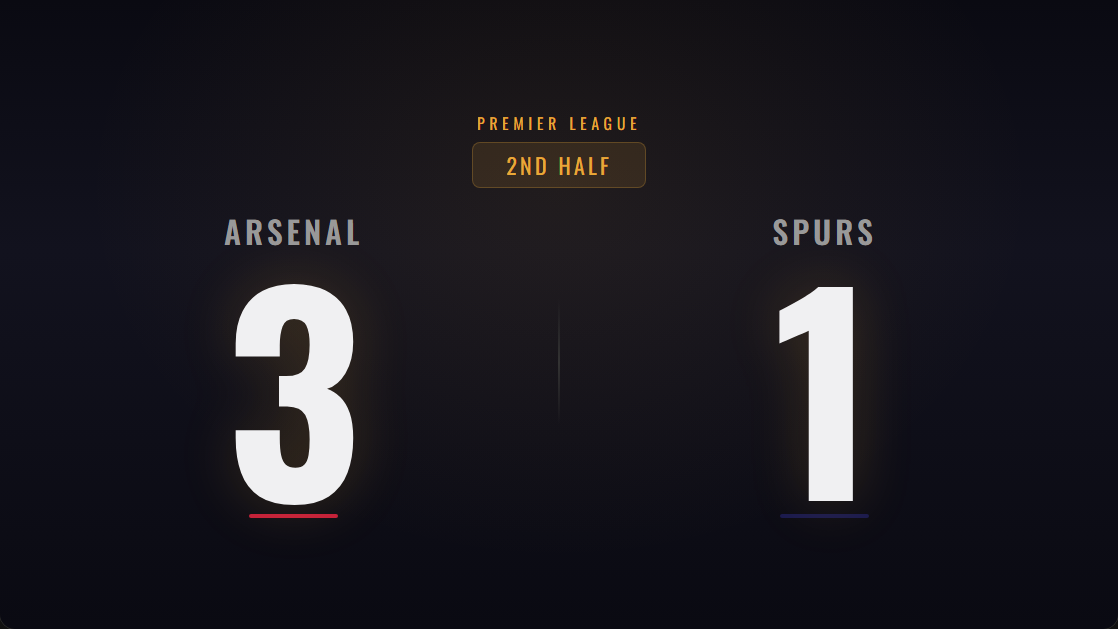
- 1
Choose the screen
For a clubhouse TV, the TV’s own browser, a Fire TV Stick or a laptop on HDMI all work; a laptop or a stick is more reliable for a full afternoon. For a pitch-side LED screen, connect a laptop or mini PC to the screen’s controller over HDMI.
- 2
Create the match
Pick the sport, enter the team names and colours, put the fixture in the header and a sponsor in the footer, and set a controller PIN so only your scorers can change the score.
- 3
Open the display on every screen
Open the same Display link on each screen you want the score on, for example the bar TV and the function room projector, and press Fullscreen. They all follow the one scorer.
- 4
Score from the touchline
The scorer keeps the controller open on their phone. Every tap reaches the screens over the internet within a moment, and the phone does not need to be on the club Wi-Fi.
- 5
Share the live link
Post the live link in the club WhatsApp or Facebook group. Members at home, or travelling with another team, see the same score on their phones.
More than one pitch or room
There are two different situations here, and they work differently. One match on several screens, such as the bar, the function room and a pitch-side screen all showing the first team, costs nothing extra: open the same display link on each screen and they stay in sync. Several matches at once, such as the firsts on the main pitch while the seconds play on the back pitch, needs one scoreboard per match, each with its own display link and its own scorer.
The free plan runs one scoreboard at a time. The Ultimate plan, or a one-off Tournament Pass for a busy weekend, runs as many at once as you need. For a club tournament with a full fixture list, see the tournament scoreboard page.
Sponsor slots on the screen
Each scoreboard has a header line and a footer line of text. One way to use them is the competition or fixture in the header and the match sponsor in the footer, which gives the club something concrete to offer a local business. They are text only: there is no logo upload and no rotating adverts. On the free plan a small score-cast.net link and QR code also appear in the bottom corner of the display; any paid plan, or a Tournament Pass, removes it.
Who runs it on match day?
The scoreboard needs one person who is watching the game anyway: a substitute, a coach’s assistant, a parent or whoever keeps the official scoresheet. Their phone is all they need. Someone else, for example whoever opens the bar, switches on the screen and opens the display link before kick-off. Writing the steps on a card kept by the screen means any volunteer can do it, and a PIN stops a stray phone from changing the score.
For the screen side, see the guides for a TV and for an LED screen. For rugby specifically, the rugby club scoreboard page covers tries, cards and the match-day routine, and scoreboard for sports clubs covers league tables and streaming for a whole club.
Perfect for
Frequently asked questions
Is the scoreboard free?
Yes. A free account lets you create a game, score it from your phone and show it on a screen, one scoreboard at a time, with a small score-cast.net mark in the corner. Watching and spectating are free for everyone. Paid plans remove the mark and start at $4.99/month.
Do I need to install anything?
No. Score Cast runs in any web browser on your phone, TV, laptop or tablet. There is nothing to download.
How do the phone and the TV stay in sync?
Every game has a short code. Open the display on the big screen and the controller on your phone using the same code — scores sync in real time over the web.
Can I use it for live streaming?
Yes. Score Cast includes 8 transparent overlay styles that drop into OBS, Streamlabs, vMix or YouTube Live as a browser source, with live team colours and indicators.
What do we need for a club scoreboard display?
A screen that can show a web page (a smart TV, or any TV or LED screen with a laptop, mini PC or streaming stick plugged in), an internet connection at the screen, and a phone for the scorer.
Can the same score show on the bar TV and a pitch-side screen?
Yes. Open the same display link on both and they stay in sync with the one scorer.
Can we score two matches at once on different pitches?
Yes, with one scoreboard per match. The free plan runs one at a time; the Ultimate plan or a Tournament Pass runs more.
Which sports does it cover?
Football, rugby union and league, GAA, cricket, basketball, volleyball, tennis, padel and more, each with its own scoring. There is also a general scoreboard for anything else, such as a club quiz night.
Does the display need its own Wi-Fi?
It needs an internet connection: Wi-Fi, a network cable or a mobile router. If the connection drops, the screen keeps the last score and catches up when it returns.