Score Cast scoring, done right
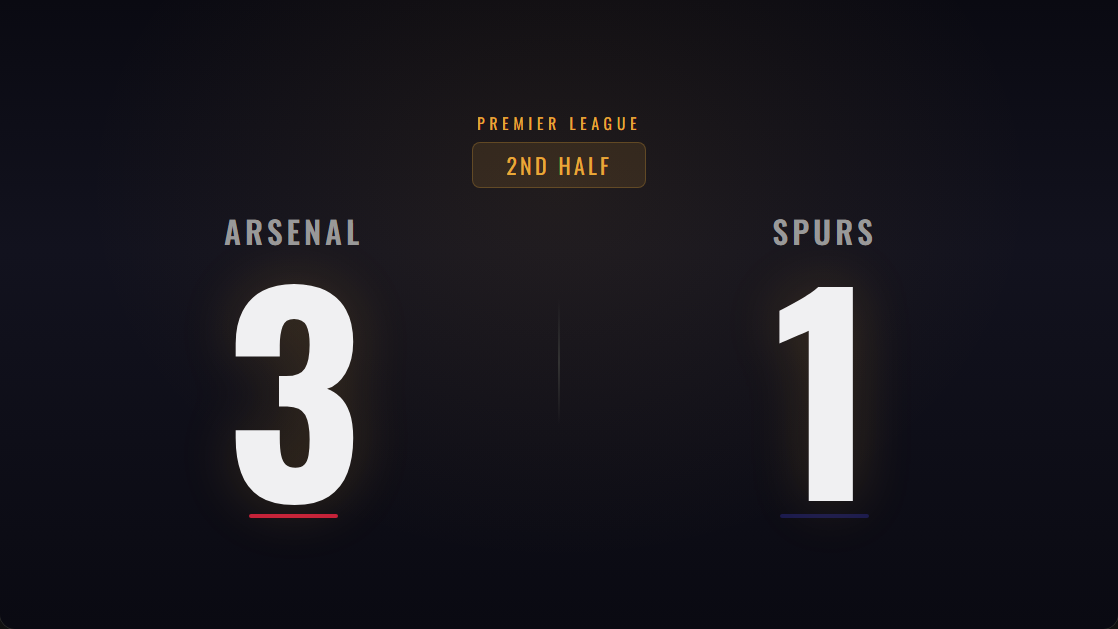
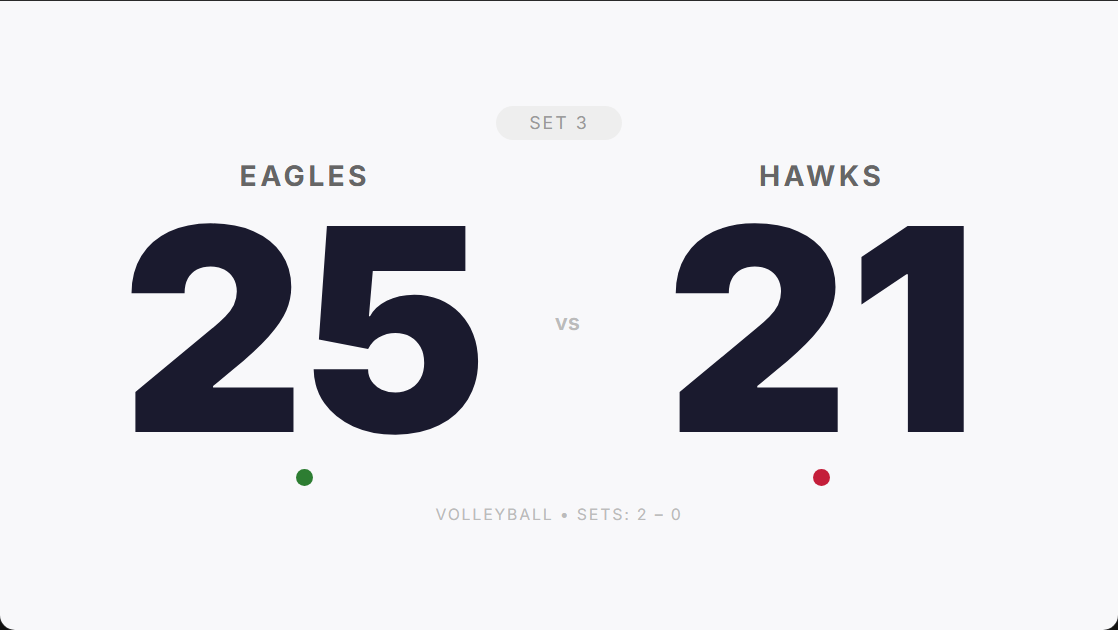
No dedicated scoreboard hardware, no install. Choose from 8 display templates, from a Stadium Jumbotron to a giant high-contrast board readable across a hall. It is a TV scoreboard for gyms, clubs, bars and watch parties without buying an LED board.
- Runs in any smart TV browser, HDMI-connected laptop, Chromecast or Fire TV — nothing to install
- Control from a phone; the TV updates in real time
- 8 display templates including Giant and Stadium Jumbotron
- QR-code pairing — scan the display to connect as controller
- Works with all 22 sports
- PIN-protected controller access
From setup to scoring in 60 seconds
Create a game
Pick your sport and get a short game code.
Open the display
Load the display link on any TV, projector or browser.
Score from your phone
Control the score on your phone — the screen updates instantly.
Four ways to put the score on the TV
The scoreboard is a web page, so anything that can open a web page can be the screen. These are the four setups we see in gyms, clubs and halls, from quickest to most dependable.
- 1
Smart TV browser (no extra hardware)
Most Samsung, LG, Sony and Hisense TVs have a browser. Open it, type score-cast.net/tv, enter your game code, and use the remote to go full screen. Fastest route; some older TV browsers power-save after a while.
- 2
Chromecast or casting from your phone
Open the display link in Chrome on your phone or laptop and cast the tab to the TV. Good for a one-off game. For an all-day event use one of the next two, because casting ties up the device doing the casting.
- 3
Fire TV Stick (best cheap dedicated screen)
Install the free Silk browser on the stick, open the display link and bookmark it. The TV becomes a self-contained scoreboard that comes back after being switched off. This is the setup we recommend for a permanent club scoreboard.
- 4
Spare laptop on HDMI (most reliable)
Plug a laptop into the TV, open the display link, press F11 for full screen and turn off sleep in the power settings. It runs all day. Score from your phone; the TV updates within a second.
Which setup should I use?
| Setup | Extra cost | Set-up time | All-day reliability | Best for |
|---|---|---|---|---|
| Smart TV browser | None | 1 minute | Fair | One-off games, watch parties |
| Chromecast / cast a tab | None if you own one | 1 minute | Fair | Living rooms, quick games |
| Fire TV Stick + Silk | About the price of a stick | 5 minutes once | Good | Permanent club or gym scoreboard |
| Laptop on HDMI | None if you have a spare | 2 minutes | Best | Tournaments, streamed events |
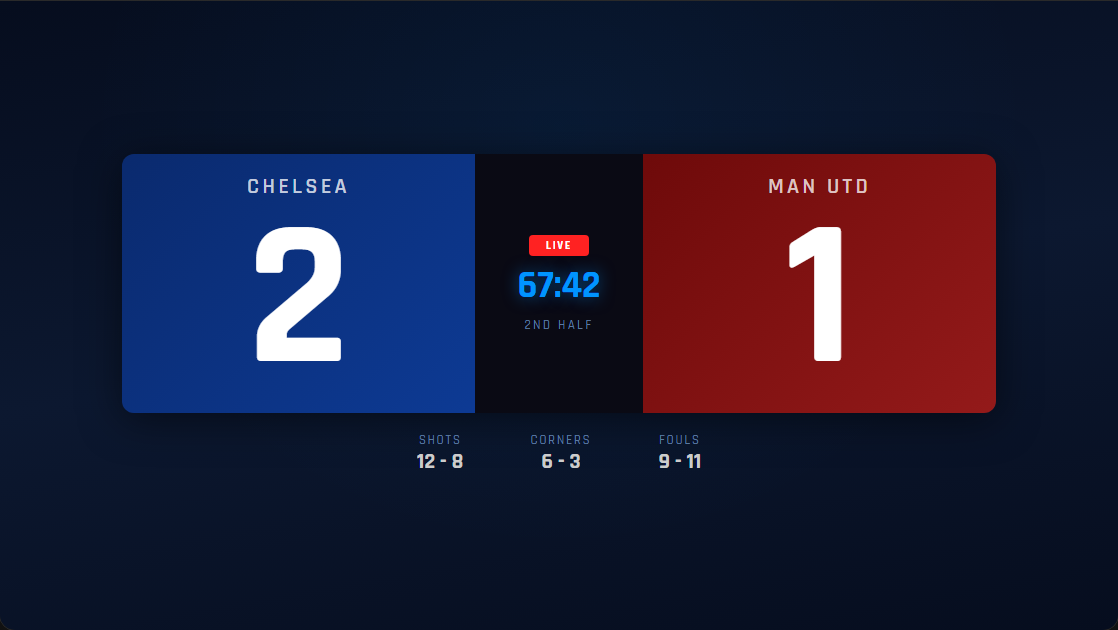
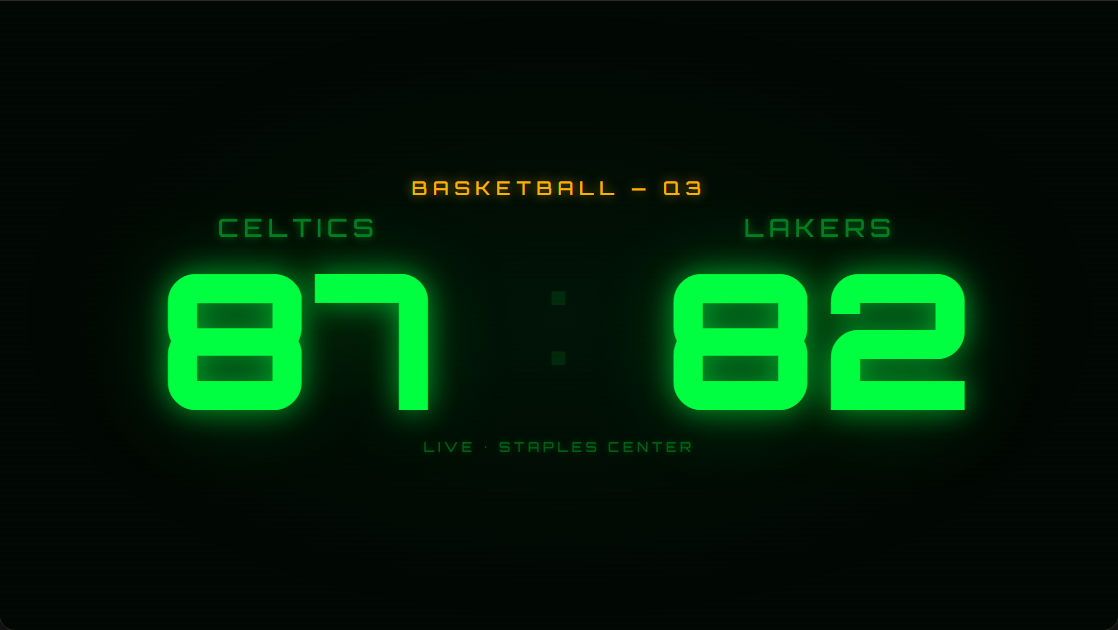
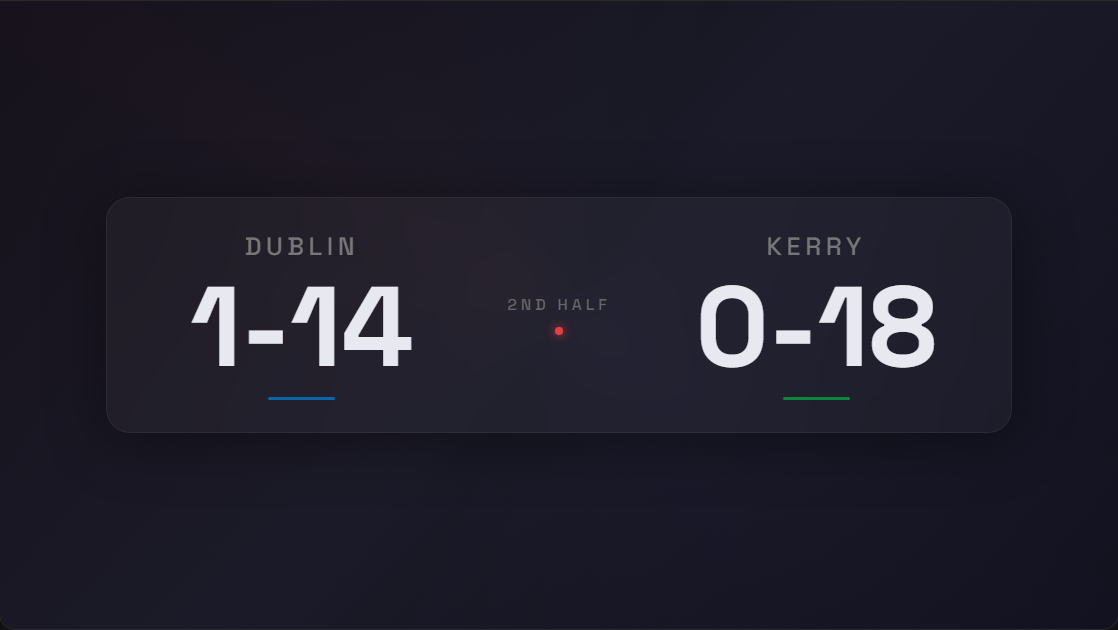
Whichever you choose, the phone pairing is the same: create the game, open the display on the TV with the game code or scan the QR code on screen, and score from your phone. Pick a template to suit the room: Giant for a hall, Stadium Jumbotron for a bar, Clean Minimal for a studio.
The display templates
Perfect for
Frequently asked questions
Is the scoreboard free?
Yes — you can watch and spectate for free, and start scoring in under a minute. Paid plans for creating and controlling games start at $4.99/month.
Do I need to install anything?
No. Score Cast runs in any web browser on your phone, TV, laptop or tablet. There is nothing to download.
How do the phone and the TV stay in sync?
Every game has a short code. Open the display on the big screen and the controller on your phone using the same code — scores sync in real time over the web.
Can I use it for live streaming?
Yes. Score Cast includes 8 transparent overlay styles that drop into OBS, Streamlabs, vMix or YouTube Live as a browser source, with live team colours and indicators.
How do I get the score display onto a television with HDMI?
Plug any laptop into the TV over HDMI, open the display link in the laptop browser and press F11 for full screen. Then control the score from your phone. If the TV has its own browser (most smart TVs do), you can skip the laptop and open the link directly.
Does it work on a projector or a big screen at a watch party?
Yes. Anything that can show a web page can show the scoreboard: projectors via HDMI, Chromecast, Apple TV via AirPlay, or a smart TV browser. It stays readable from across a hall.
Which TV setup is the most reliable for a full match day?
A spare laptop on HDMI with sleep disabled, or a Fire TV Stick running the Silk browser. Both survive being left alone for hours. Smart TV browsers are the quickest to set up but some older sets power-save after a while.
Can I show the score on more than one television at once?
Yes. Open the same display link on every screen you have. They all follow the one controller and stay in sync.
Does the television need Wi-Fi?
The screen needs an internet connection, which can be Wi-Fi, Ethernet or a phone hotspot. If the connection drops, the display reconnects on its own when it returns.